
Settings
Receive a notification of your documents in error by email
On this tab you can configure email addresses that need to receive a notification whenever a document receives the error state during processing.
By pressing the + button, multiple email addresses can be added.
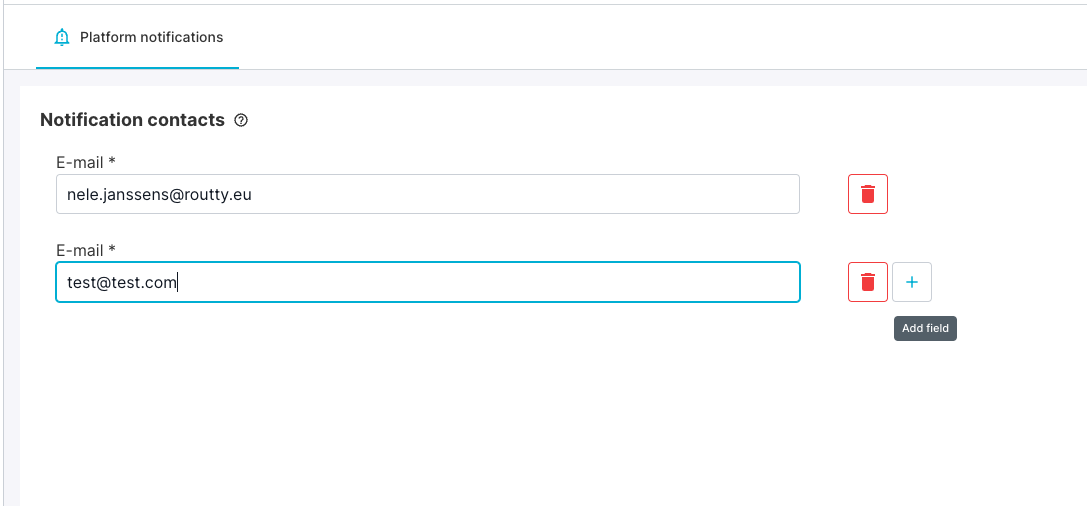
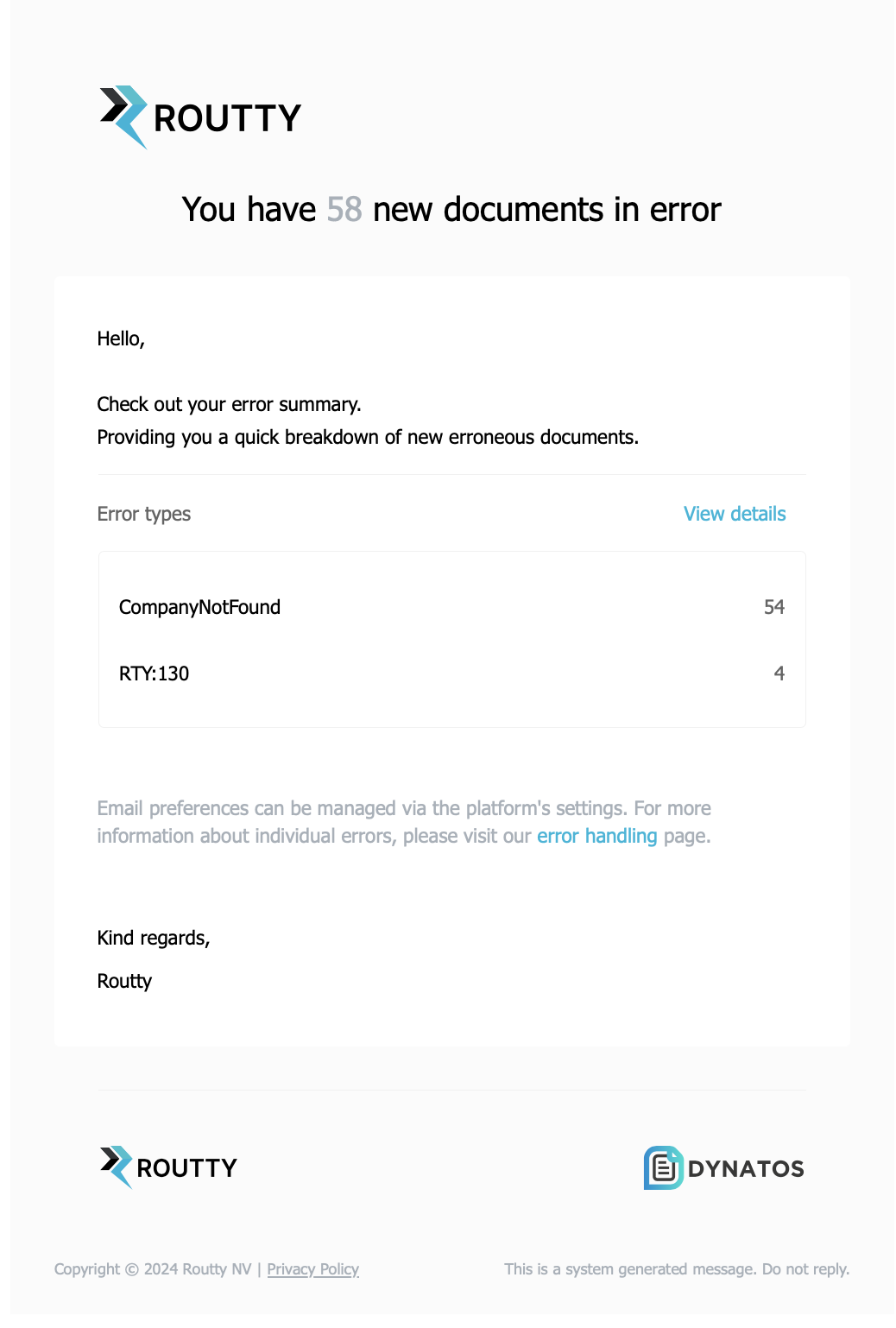
All email addresses configured in this list will receive a notification in near-time, listing all newly added error documents. Every 15 min, an email is sent, if applicable.
Below an example email:

ATTENTION:
This email reflects only documents that need to be handled by your role, cfr. that are listed in your error handling screen
A customer MUST setup its own email addresses to receive the notifications