
Comments and Flags on documents
Purpose
Comments and flags allow users to annotate and highlight documents for review, tracking, or collaboration purposes within Routty.
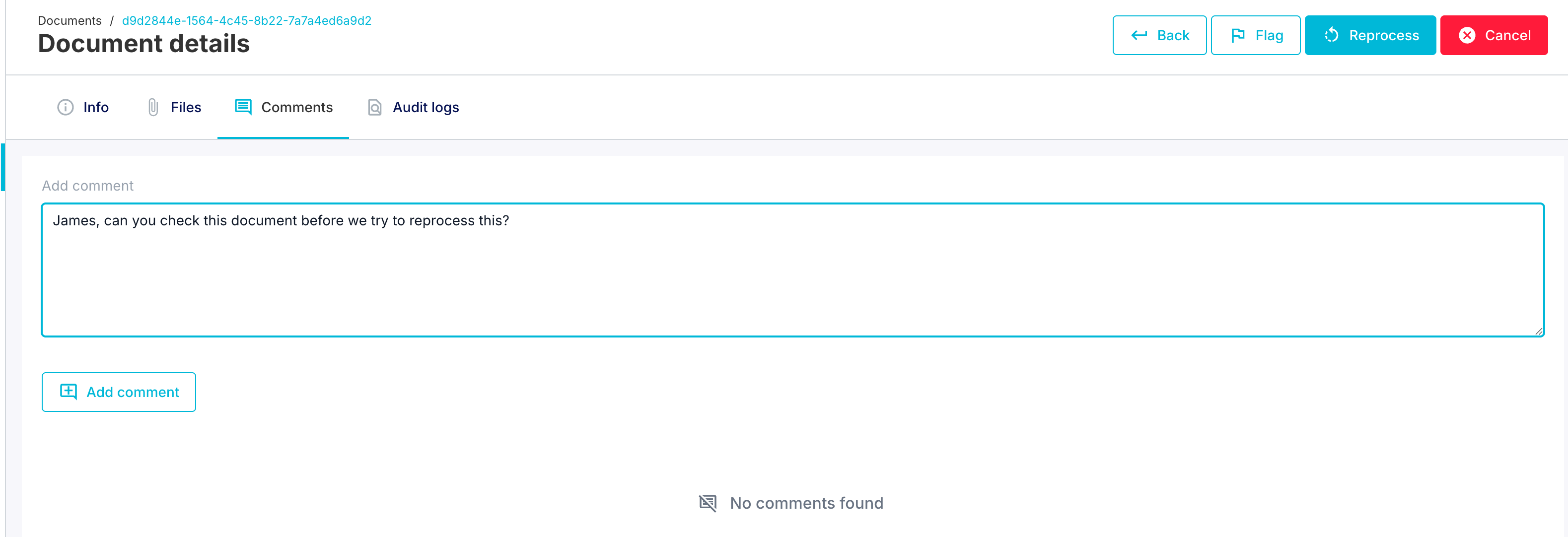
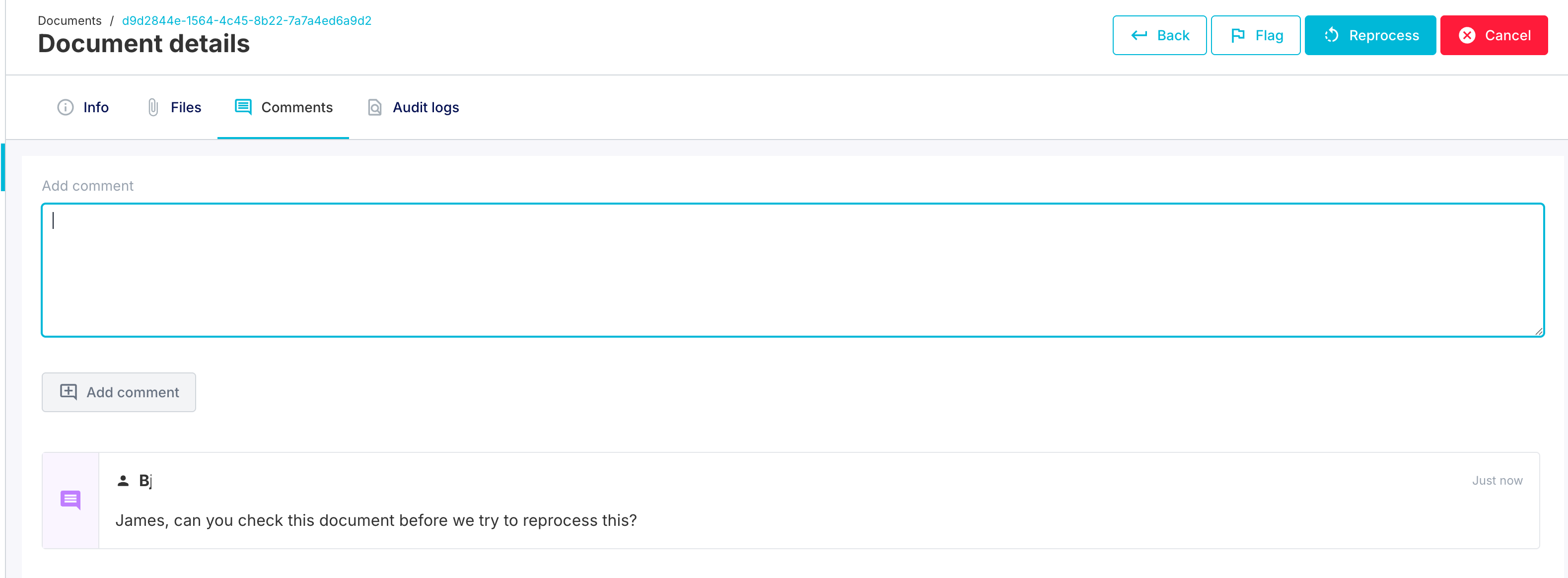
Comments
What they do
Provide a way to add textual notes or remarks to a document
Create an audit trail of observations, issues, or decisions made about a document
Enable collaboration between users working on the same document
Can be used to document manual interventions, exceptions, or special handling instructions
Use cases
Recording why a document was reprocessed
Documenting manual corrections made to document data
Noting exceptions or special circumstances
Communication between team members about specific documents
Audit trail for compliance purposes
Document Flags
What they do
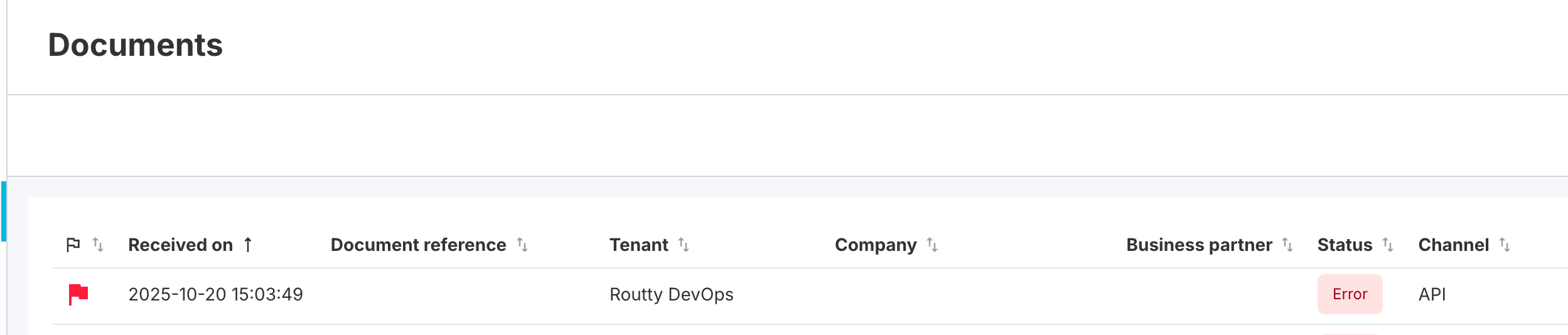
Marks a document as requiring special attention or review
Acts as a visual indicator in the system that this document needs follow-up
Can be used to filter or search for documents needing attention
Use cases
Exception Handling: Flag documents with processing errors for manual review
Priority Processing: Mark urgent documents for immediate attention
Quality Control: Flag documents for quality review before final export
Investigation: Mark documents related to ongoing investigations or audits
Hold Status: Indicate documents that should not be processed further until reviewed
Behavior
Persists through reprocessing unless explicitly cleared
Can be combined with comments to provide context about why a document is flagged
Working Together
Comments and flags complement each other:
A flag draws attention to a document
Comments explain why it's flagged or what action is needed
Both create an extra documented history of the document's lifecycle